




How to turn on Blueskys dark mode


Bluesky has gradually been adding more basic features such as drafts, helping it compete with other microblogging platforms such as X and Threads. Fortunately, dark mode is one feature that Bluesky has already had for a while, allowing users to switch to a dimmer colour scheme so their eyes aren’t blasted with bright light when scrolling through their feed.
Here’s how to turn on Bluesky’s dark mode.
- 30 seconds
- Bluesky; smartphone or desktop PC
Step 1:
Open Bluesky.
Step 2:
If you’re on desktop, click on “Settings” in the navigation bar on the left. If you’re on mobile, tap on the “≡” in the top left corner to open the navigation bar first, then tap “Settings.”
Step 3:
Click or tap on “Appearance.”
Step 4:
Click or tap on “Dark” to switch to Bluesky’s dark mode.

Credit: Mashable screenshot: Bluesky
Step 5:
Once activated, you can choose how dark you want Bluesky to be by selecting either “Dim” or “Dark.”
If you want to turn off Bluesky’s dark mode, simply follow the same procedure until step four, then select “Light.” Alternatively, you can select “System” instead to have Bluesky’s colour mode follow the overarching preferences you’ve set for your phone’s operating system.

Related Articles

Amazon Games is winding down King of Meat
King of Meat‘s reign is ending. The game will end service on...

LG G5 Series OLED TV Review: Most Color Accurate TV for 2026
The LG Evo AI G5 OLED has set a new standard for...
The US military will reportedly use Elon Musk’s Grok AI in its classified systems
The US Department of Defense has reportedly reached a deal to use...
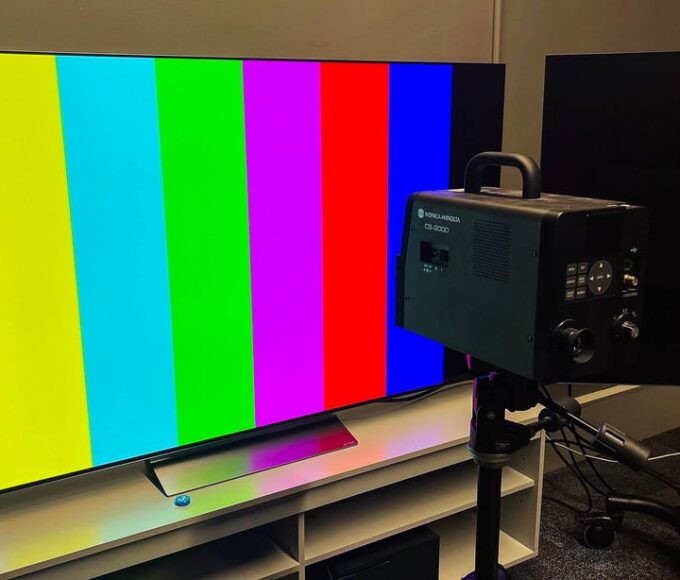

How CNET Tests TVs in 2026
Here’s why we believe our rigorous, objective TV reviews are the best...
Leave a comment